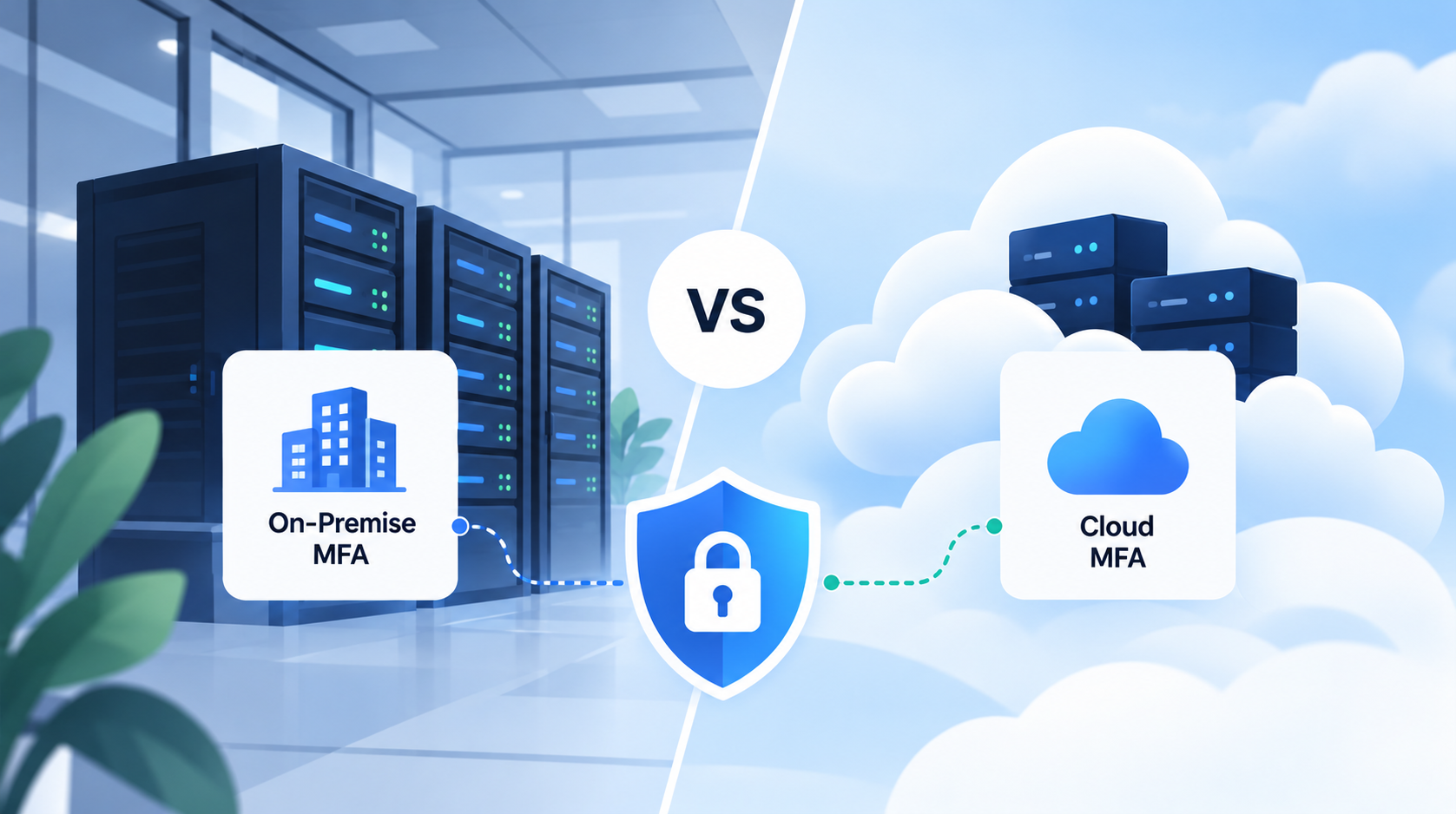
Multi-factor authentication (MFA) is now an essential part of any cybersecurity strategy in any company. Phishing, credential theft, and all variations of unauthorized access attacks are so common now that there is no way to protect sensitive systems and business data with passwords alone.
MFA adds to access security by requiring users to verify their identities through additional authentication factors – push authentication, all types of OTP tokens and apps, chatbots in messaging apps, etc.
However, choosing the right MFA solution involves more than selecting additional and more advanced auth methods. The first decision the organization must make is how their authentication infrastructure will be deployed and managed.
Two common approaches are on-premise MFA and cloud-based MFA. Both can provide strong authentication, but they differ in infrastructure requirements, administrative control, scalability, maintenance, and cost.
Understanding these differences helps businesses choose an authentication model that aligns with their security requirements, IT resources, and long-term operational goals.
Understanding On-Premise and Cloud MFA
Before comparing the two approaches, it is important to understand how they work.
What Is On-Premise MFA?
On-premise MFA is an authentication solution deployed within infrastructure controlled by the organization. The MFA server can operate in a company’s own data center or a private cloud environment.
With this approach, the organization manages the authentication platform, including its configuration, infrastructure, updates, and security policies.
On-premise MFA is often preferred by businesses that require greater control over their authentication environment or need to integrate MFA with internal systems.
For example, an organization operating sensitive applications within a private network may choose an on-premise MFA platform to keep its authentication infrastructure under direct administrative control.
What Is Cloud-Based MFA?
Cloud-based MFA is delivered as a service, typically through a Software-as-a-Service (SaaS) model.
Instead of deploying and maintaining a dedicated authentication server, organizations use an MFA platform hosted and managed by a third-party provider.
It’s the MFA provider’s responsibility to maintain the underlying infrastructure, while all the customer needs to do is configure authentication policies, manage users, and connect their applications to the service.
Cloud MFA is particularly attractive to organizations looking for rapid deployment, simplified maintenance, and the ability to scale authentication services without managing additional servers.
Both deployment models can support authentication methods such as one-time passwords, mobile authenticator applications, hardware tokens, and other verification mechanisms, depending on the chosen platform.
Security and Data Control
Security is one of the most important considerations when choosing between on-premise and cloud MFA.
Although both models can provide effective protection, they offer different levels of control over the authentication environment.
On-Premise MFA: Greater Infrastructure Control
One of the main advantages of on-premise MFA is the ability to manage authentication infrastructure directly.
Organizations can determine where authentication-related data is stored, how the MFA server is configured, and which systems can communicate with it.
This can be particularly valuable for businesses operating in regulated industries or environments with strict internal security policies.
On-premise deployment also allows organizations to integrate MFA into private networks without necessarily exposing the authentication server to the public internet.
However, greater control also means greater responsibility.
The organization must maintain the server, install security updates, monitor system activity, and protect the underlying infrastructure against attacks.
An improperly maintained on-premise MFA deployment can introduce security risks despite offering greater administrative control.
Cloud MFA: Provider-Managed Infrastructure
Cloud-based MFA shifts much of the infrastructure management responsibility to the service provider.
Organizations benefit from a platform maintained by specialists who handle server operations, infrastructure updates, and service availability.
This can reduce the burden on internal IT teams, particularly in smaller organizations without dedicated authentication infrastructure specialists.
However, cloud MFA also introduces dependencies on the provider’s security practices and service availability.
Businesses should evaluate how providers protect authentication data, manage administrative access, handle security incidents, and maintain service continuity.
Neither deployment model is automatically more secure. The effectiveness of an MFA solution depends on its architecture, configuration, authentication methods, maintenance, and operational security practices.
Deployment and Maintenance Requirements
The complexity of deployment and ongoing maintenance can significantly influence the total cost and operational efficiency of an MFA project.
Deploying On-Premise MFA
An on-premises MFA deployment requires organizations to close all the major infrastructure necessities before configuring authentication services.
Depending on the platform, this may involve deploying servers and better clusters of servers, configuring network connectivity, establishing backups, and integrating MFA with existing applications.
Once deployed, the organization is responsible for ongoing maintenance.
Common administrative tasks include:
- Installing software updates and security patches.
- Monitoring server performance and availability.
- Maintaining backups and recovery procedures.
- Managing infrastructure capacity.
- Troubleshooting authentication and connectivity issues.
For organizations with established IT infrastructure and experienced administrators, these responsibilities may fit naturally into existing operational processes.
However, smaller IT teams may find the additional maintenance requirements challenging.
Deploying Cloud MFA
Cloud-based MFA generally offers a simpler deployment process.
Organizations can create an account with an MFA provider, configure authentication settings, and begin integrating supported applications without installing a dedicated authentication server.
The provider manages the underlying platform, reducing the need for server maintenance and infrastructure administration.
This approach can be particularly useful for organizations that want to introduce MFA quickly or lack the resources to maintain an independent authentication environment.
Nevertheless, cloud MFA still requires proper configuration, user enrollment, policy management, and integration with corporate systems.
The absence of local server maintenance does not eliminate the need for ongoing security administration.
Scalability and Flexibility
Business growth often brings additional users, applications, and authentication requirements.
An MFA solution should accommodate these changes without creating unnecessary operational complexity.
Scaling On-Premise MFA
On-premise MFA provides organizations with direct control over infrastructure capacity.
Administrators can allocate additional computing resources, expand server infrastructure, or adjust deployment architecture as authentication demands increase.
This flexibility can be valuable for organizations with predictable workloads or specific infrastructure requirements.
However, scaling may require additional hardware, infrastructure planning, software licensing, and administrative effort.
For large organizations, these requirements can be manageable. For smaller businesses, they may represent a significant investment.
Scaling Cloud MFA
Cloud MFA services typically offer more convenient scalability.
Organizations can add users and extend authentication coverage without provisioning additional MFA servers.
The provider manages the underlying infrastructure, allowing customers to focus on configuring authentication policies and integrating new applications.
This makes cloud MFA attractive to growing businesses, distributed teams, and organizations with changing authentication requirements.
However, scalability should also be evaluated from a financial perspective.
As the number of users increases, recurring subscription costs may become a significant component of the overall MFA budget.
Comparing the Costs of On-Premise and Cloud MFA
The financial differences between deployment models extend beyond the initial purchase price.
Organizations should evaluate the total cost of ownership, including infrastructure, licensing, maintenance, and administrative resources.
On-Premise MFA Costs
On-premise MFA often involves a higher initial investment.
Potential expenses include software licenses, server infrastructure, deployment services, and configuration.
Organizations must also account for ongoing maintenance, infrastructure monitoring, and technical support.
However, depending on the licensing model and deployment scale, on-premise MFA may offer predictable long-term costs.
For organizations with existing infrastructure and large user populations, this approach can be financially attractive.
Cloud MFA Costs
Cloud MFA typically reduces initial infrastructure expenses.
Instead of purchasing and maintaining dedicated authentication servers, organizations pay subscription fees based on the provider’s pricing model.
This makes it easier to introduce MFA without a substantial upfront investment.
However, recurring fees accumulate over time, particularly as the number of users grows.
Businesses should also consider potential charges for additional authentication methods, integrations, support levels, or advanced administrative capabilities.
The most cost-effective option depends on the organization’s size, existing infrastructure, licensing requirements, and expected growth.
A realistic comparison should consider costs over several years rather than focusing exclusively on initial deployment expenses.
Integration with Existing IT Infrastructure
An MFA platform must work with the systems employees use every day.
These may include Windows workstations, Remote Desktop connections, VPNs, web applications, and directory services such as Active Directory or LDAP.
Both on-premise and cloud MFA solutions can support these integrations, but their deployment requirements may differ.
On-Premise MFA for Internal Systems
On-premise MFA can be particularly useful when authentication services need to operate within private networks.
Organizations may prefer to keep communication between protected applications and the MFA server inside their own infrastructure.
This approach can also be appropriate for environments with restricted external connectivity.
However, administrators must ensure that the authentication server remains available and that the necessary integrations are configured correctly.
Cloud MFA for Distributed Environments
Cloud MFA is often convenient for organizations with remote employees, multiple offices, and cloud-based applications.
A centrally hosted authentication service can support users across different locations without requiring the organization to maintain its own MFA server infrastructure.
However, applications within private networks may require additional connectivity or integration components to communicate securely with the cloud authentication service.
Organizations should evaluate these requirements before selecting a deployment model.
Protectimus: Supporting Both On-Premise and Cloud MFA
Some MFA providers offer both deployment models, allowing organizations to choose an approach that matches their infrastructure and security requirements.
Protectimus is one example, providing both a cloud-based MFA service and an on-premise authentication platform.
The Protectimus Cloud MFA Service is designed for organizations seeking a ready-to-use authentication solution without maintaining dedicated MFA server infrastructure.
Businesses can configure authentication policies, manage users and tokens, and integrate MFA with supported corporate applications through the cloud platform.
For organizations that require direct control over their authentication infrastructure, the Protectimus On-Premise MFA Platform can be deployed within a company’s own environment or private cloud.
This allows organizations to manage authentication infrastructure according to their internal security and operational requirements.
Both deployment options support various authentication methods, including software authenticator applications, hardware OTP tokens, SMS, email, and chatbot-based authentication.
Protectimus also offers integration options for Windows and RDP, VPN and RADIUS-compatible systems, Outlook Web App, Active Directory-connected environments, and other enterprise applications.
By offering both cloud and on-premise deployment, Protectimus allows businesses to select an MFA architecture based on their infrastructure preferences rather than limiting them to a single hosting model.
When Should Businesses Choose On-Premise MFA?
On-premise MFA may be the better choice for organizations that prioritize direct infrastructure control and have the resources to manage their own authentication servers.
Typical scenarios include:
Organizations with Strict Data Control Requirements
Businesses that must maintain authentication infrastructure within controlled environments may prefer on-premise deployment.
Companies with Established IT Infrastructure
Organizations that already operate data centers and have experienced infrastructure administrators may find it practical to maintain MFA internally.
Environments with Restricted Internet Connectivity
Some organizations operate internal networks where external connectivity is limited or tightly controlled.
An appropriately designed on-premise MFA solution can support authentication within these environments without depending on an external cloud authentication server.
Organizations with Specific Integration Requirements
Businesses operating specialized internal applications may prefer an authentication platform that can be deployed and configured within their existing infrastructure.
However, on-premise MFA is not necessarily the best choice simply because an organization handles sensitive information. Security requirements should be evaluated alongside operational capabilities and maintenance responsibilities.
When Is Cloud MFA the Better Option?
Cloud-based MFA is often suitable for organizations that prioritize rapid deployment, simplified infrastructure management, and flexible scalability.
Common scenarios include:
Small and Medium-Sized Businesses
Organizations with limited IT resources can introduce MFA without deploying and maintaining dedicated authentication servers.
Distributed and Remote Teams
Businesses with employees working across multiple locations may benefit from centrally hosted authentication services.
Rapidly Growing Organizations
Cloud MFA makes it easier to add users and extend authentication coverage without expanding local server infrastructure.
Organizations Seeking Lower Initial Costs
Subscription-based services can reduce the upfront investment required to implement MFA.
Nevertheless, businesses should consider long-term subscription expenses, provider availability, and data handling practices before committing to a cloud solution.
Key Questions to Ask Before Choosing an MFA Deployment Model
Selecting between on-premise and cloud MFA requires evaluating both security requirements and operational realities.
Before making a decision, organizations should consider several questions:
- Where must authentication-related data be stored? Determine whether internal policies or regulatory requirements impose restrictions on data location or processing.
- What IT resources are available? Assess whether the organization has the infrastructure and expertise required to maintain an on-premise authentication platform.
- Which systems require MFA protection? Identify the applications, network services, and authentication protocols that must be supported.
- How important is independent operation? Evaluate whether authentication must remain available during internet connectivity interruptions or external service outages.
- How will the organization scale? Consider expected changes in user numbers, applications, and infrastructure over the coming years.
- What is the long-term budget? Compare initial deployment expenses with recurring licensing, maintenance, and support costs.
Answering these questions can help businesses identify the deployment model that best supports their security and operational objectives.
Conclusion
Both on-premise and cloud MFA can provide strong protection against unauthorized access, but they address different organizational priorities.
On-premise MFA offers greater control over authentication infrastructure and can be particularly valuable for organizations with strict internal requirements or specialized environments. However, it also introduces additional maintenance and infrastructure responsibilities.
Cloud MFA simplifies deployment, reduces infrastructure management, and offers convenient scalability, making it attractive to organizations seeking flexibility and lower initial costs.
The decision should not be based on the assumption that one model is inherently more secure than the other.
Instead, businesses should evaluate their security requirements, available IT resources, integration needs, and long-term costs.
Solutions such as Protectimus, which offer both on-premise and cloud MFA deployment options, provide organizations with the flexibility to choose an authentication architecture that fits their specific needs.
Ultimately, the right MFA strategy is one that delivers reliable protection while remaining practical to deploy, manage, and maintain as the organization evolves.

Kaushal Joshi is a versatile author with expertise in web development and technical writing. With a passion for both coding and effective communication, Kaushal has forged a dynamic career at the intersection of technology and content creation. His proficiency in web development is complemented by a talent for articulating complex technical concepts in clear and accessible language. Through his writing, Kaushal not only contributes to the evolving field of web development but also empowers readers with the knowledge to navigate the digital landscape. His commitment to bridging the gap between technology and understanding makes Kaushal Joshi a respected figure in both the web development and technical writing communities.
Leave a Reply